

Omnichannel
How Omnichannel Message Routing Works | QuickTalk
Najoomi Press
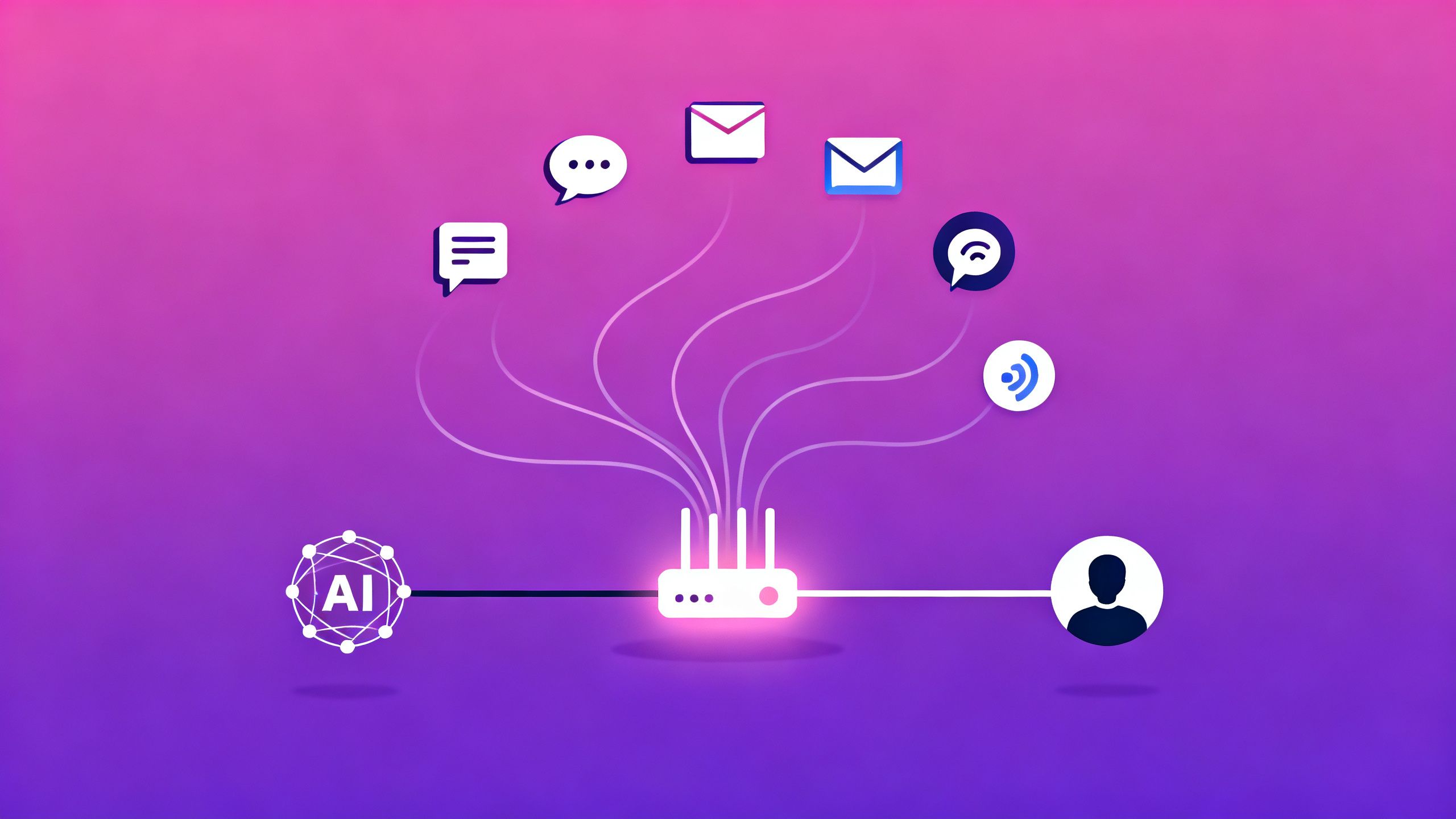
Every message a customer sends has to travel somewhere. A WhatsApp question, a website chat, a social media reply — each one needs to land in the right place, in front of the right responder, with the right history attached. That invisible traffic-control layer is omnichannel message routing, and it's the part of omnichannel customer support that makes the whole experience feel seamless rather than chaotic.
When routing works, customers never notice it: they get fast, informed answers no matter where they reached out. When it fails, they repeat themselves, wait too long, or get bounced between people who can't see what happened before. This post explains — at a concept level — how routing actually decides where each conversation goes, and why getting it right is the difference between a unified conversation and a pile of disconnected tickets.
Routing is more than "deliver the message." Before a conversation can go anywhere useful, the system has to answer a few questions in order:
Get those four right and everything downstream feels effortless. Routing is the quiet backbone of omnichannel — the layer customers should never have to think about.
The first job of routing is stitching identity together across channels. A customer might reach you by messaging app today and website chat tomorrow, using different handles each time. The routing layer's job is to recognize that these are the same person and pull their history into one place.
This matters because context is worthless if it's fragmented. When identity is unified:
Unified identity is what turns "many channels" into "one relationship." It's also the dividing line between true omnichannel and mere multichannel — a distinction we cover in Omnichannel vs Multichannel.
Once the system knows who, it needs a sense of what — enough to route intelligently. Here, conversational AI reads the message and classifies it: a routine FAQ, a billing concern, an urgent complaint, an order in flight. That reading shapes where the conversation goes and how fast.
Routing decisions typically weigh a few signals together:
Smart routing isn't first-come-first-served — it's right-message-to-right-place.
With identity and intent understood, routing picks a destination. In a modern setup, that's rarely a simple "send to the next available human." Instead, it flows through a layered decision:
This layering is what lets automation deflect repetitive volume while making sure the conversations that do reach your team arrive with a clear owner. It's the same logic behind customer support automation done well.
Routing a message to the right place is only half the job. The other half is making sure the full conversation travels with it. When context moves with the message, the responder — AI or human — sees the entire thread: past channels, previous questions, what's already been tried.
This is what makes human handoff feel seamless instead of jarring. When an AI assistant reaches its limits and passes a conversation to a person, that person shouldn't have to ask the customer to start over. Instead:
A handoff without context isn't a handoff — it's a reset. Getting this right is central to the broader promise of conversational AI for customer service.
All of this routing has to surface somewhere your team can actually work. That somewhere is the unified inbox — the single view where conversations from every channel arrive, already tagged, prioritized, and attached to the right customer.
A well-fed unified inbox means your agents:
Routing and the unified inbox are two sides of the same coin: routing decides where things go, and the inbox is where they land in a form people can act on.
Omnichannel message routing is the traffic-control system that makes modern support feel effortless. It identifies who's reaching out across channels, understands what they need, directs the conversation to the best responder — AI or human — and carries the full context along for the ride. Do it well, and customers never notice it at all; they simply get fast, informed help wherever they show up. The businesses that win in 2026 treat routing not as plumbing but as strategy: the invisible layer that turns scattered messages into one continuous, well-informed conversation.
Zoom out with What Is Omnichannel Customer Support? and Omnichannel vs Multichannel. Go deeper on the AI side in Conversational AI for Customer Service, see it applied in WhatsApp Business Automation, and get the numbers in Omnichannel Statistics for 2026. Ready to build? Explore customer support automation and QuickTalk solutions.